

-
Table of Contents
The Sign Up for Twitter
Twitter is a powerful social media platform that allows users to share their thoughts, ideas, and updates in real-time. With over 330 million monthly active users, Twitter has become a popular tool for individuals, businesses, and organizations to connect with their audience and stay informed about the latest trends and news. If you’re considering signing up for Twitter, this article will guide you through the process and provide valuable insights on how to make the most out of your Twitter experience.
Creating an Account
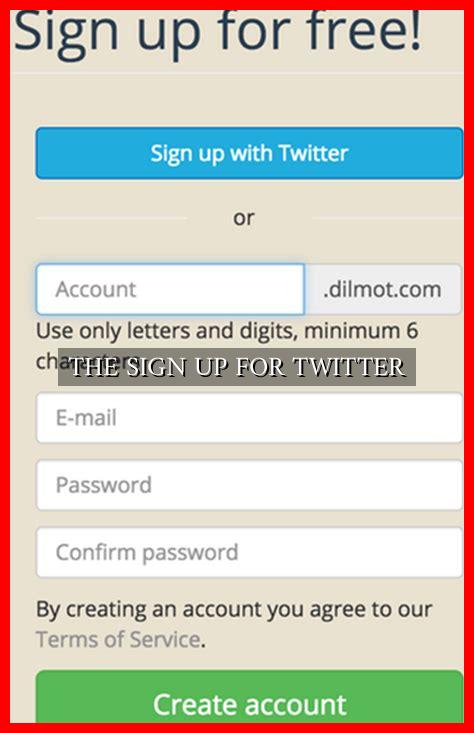
Signing up for Twitter is a simple and straightforward process. To create an account, follow these steps:
- Go to the Twitter website or download the Twitter app from the App Store or Google Play Store.
- Click on the “Sign Up” button.
- Enter your name, email address, and phone number.
- Create a unique username (also known as a handle) that will be your identity on Twitter.
- Set a strong password to secure your account.
- Agree to the terms and conditions and click on the “Sign Up” button.
Customizing Your Profile
Once you have created your account, it’s essential to customize your profile to make it more appealing to other users. Here are some tips to enhance your Twitter profile:
- Add a profile picture that represents you or your brand.
- Write a compelling bio that describes who you are and what you do.
- Add a header image that reflects your personality or brand identity.
- Include a link to your website or blog in the bio section.
Following Accounts
One of the key features of Twitter is the ability to follow other accounts to see their tweets on your timeline.

. To follow an account, simply click on the “Follow” button on their profile. You can follow friends, family, celebrities, brands, and organizations to stay updated on their latest posts.
Tweeting and Engaging
Once you have set up your profile and followed accounts, it’s time to start tweeting and engaging with other users. Here are some tips to make your tweets more engaging:
- Use hashtags to categorize your tweets and make them discoverable to a wider audience.
- Mention other users by using the “@” symbol followed by their username to tag them in your tweets.
- Retweet interesting posts from other users to share them with your followers.
- Reply to tweets to start conversations and engage with other users.
Summary
Signing up for Twitter is a great way to connect with others, share your thoughts, and stay informed about the latest news and trends. By following the steps outlined in this article and customizing your profile, you can make the most out of your Twitter experience. Remember to engage with other users, use hashtags, and retweet interesting posts to grow your following and make meaningful connections on the platform.
For more information on how to use Twitter effectively, check out Twitter’s official blog.
