Table of Contents
Compare Files in Notepad++
Notepad++ is a popular text editor that offers a wide range of features for developers and programmers. One of the most useful features of Notepad++ is the ability to compare files. Comparing files can be extremely helpful when you need to identify differences between two versions of a document or code. In this article, we will explore how to compare files in Notepad++ and discuss the benefits of using this feature.
How to Compare Files in Notepad++
Comparing files in Notepad++ is a straightforward process that can be done in just a few simple steps. Here’s how to do it:
- Open Notepad++ and open the two files you want to compare.
- Go to the “Plugins” menu and select “Compare” > “Compare”.
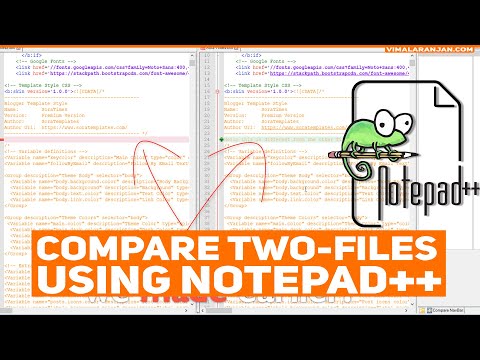
- Notepad++ will then display the two files side by side, highlighting the differences between them.
- You can navigate through the differences using the navigation buttons at the top of the window.
Benefits of Comparing Files in Notepad++
There are several benefits to using the file compare feature in Notepad++.
. Some of the key advantages include:
- Identifying Changes: Comparing files allows you to quickly identify any changes or differences between two versions of a document or code.
- Version Control: By comparing files, you can easily track changes and revisions, making it easier to manage version control.
- Error Detection: File comparison can help you detect errors or inconsistencies in your code, allowing you to make corrections before they cause problems.
Case Study: Comparing Code in Notepad++
Let’s consider a real-world example of how comparing files in Notepad++ can be beneficial. Imagine you are working on a software project with a team of developers. Each team member is responsible for a different module of the code. When it comes time to merge the code changes, you can use Notepad++ to compare the different versions of the code and identify any conflicts or discrepancies. This can help streamline the merging process and ensure that the final code is error-free.
Conclusion
Comparing files in Notepad++ is a powerful tool that can help you streamline your workflow, improve collaboration, and ensure the accuracy of your code. By following the simple steps outlined in this article, you can easily compare files and identify any differences between them. Whether you are a developer, programmer, or writer, Notepad++’s file compare feature can be a valuable asset in your toolkit.
For more information on how to use Notepad++’s file compare feature, you can visit the official Notepad++ website.